

2026.10.20

AginGoGo is now available. It turns one computer in your office into an AI colleague that gets real work done. Your staff send a single instruction from the messaging app they already use, the AI does the work by your company's own rules, and the result comes back to the same conversation. The files themselves stay on the company computer.
Adopting AginGoGo does not mean replacing the tools your staff already use. You set up one computer in the office and install the Cowork Platform (協作平台, the desktop app on the staff computer). Your staff keep using LINE, Slack, or Telegram, the AI does the work on that computer, and the result returns to the same conversation.

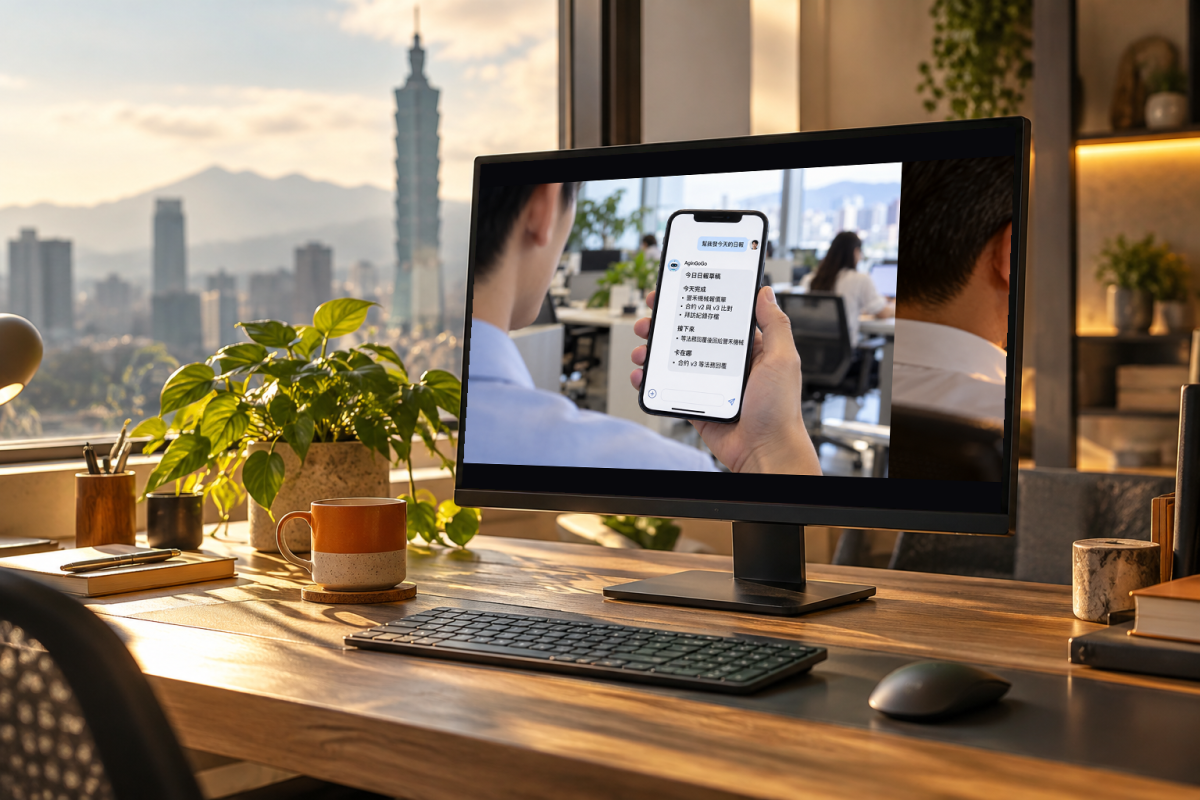
Your staff do not learn a new system or add another app. They just type what they need into their usual group or chat:
By default, the files themselves stay on the company computer and never leave on their own. There are only two cases where a file leaves:
Both exceptions need a person to say yes; neither is skipped. Control of your data stays with the company.
AginGoGo is made of four components with a clear division of labor:
| Component | Where it runs | What it does |
|---|---|---|
| Cowork Platform (協作平台) | Staff computer | Receives instructions from messaging apps, does the work, returns the result |
| Agin Admin (Agin 管理中心) | Company side | Manages accounts and permissions |
| Smart Hub (智慧中樞) | Company server | Centralizes processing and dispatch |
| Memory Network (記憶網路) | Company environment | Keeps the three layers of memory so the AI remembers your context |
It is still AI, but three things make AginGoGo different, and all three belong to your company:

Support, not replace
AginGoGo exists to support you, not to replace you. It takes over the repetitive, time-consuming work, and you are still the one who makes the final call.
AginGoGo can run in your own server room (on-premises) or in a dedicated private cloud. Both keep your data and files under the company's control. How to choose, and which suits whom, is covered in a separate article.
To find out whether AginGoGo fits your company, fill in the contact form, or call us at 02-8668-0281. You can also email [email protected], and we will advise based on your situation.

AginGoGo can run in your own server room (on-premises) or in a dedicated private cloud. Both keep your data and files under the company's control. This article explains how the two differ and which suits whom.
What both options share
First, what does not change. Whether on-premises or a dedicated private cloud:

The AginGoGo department pilot program is now open for enquiries. The approach is simple: start with one department, get it running smoothly, then copy it across the company. You do not go live everywhere at once, so the risk is small and the results are visible.
Why start with one department
Rolling out a new tool across the whole company at once has too many variables. Every department has a different workflow, connects to different systems, and takes to it at a different pace. If anything gets stuck, the whole company stops with it.